EN

Healthcare

Physical access that keeps pace with healthcare

Connect workforce identity, Epic and physical security to automate access across your healthcare environment.

Clinicians rotate

Employees transfer

Contractors come and go

Patients move through care

Visitors arrive every day

Alert Enterprise connects HR, identity, EHR and physical access control systems so access can keep pace automatically.

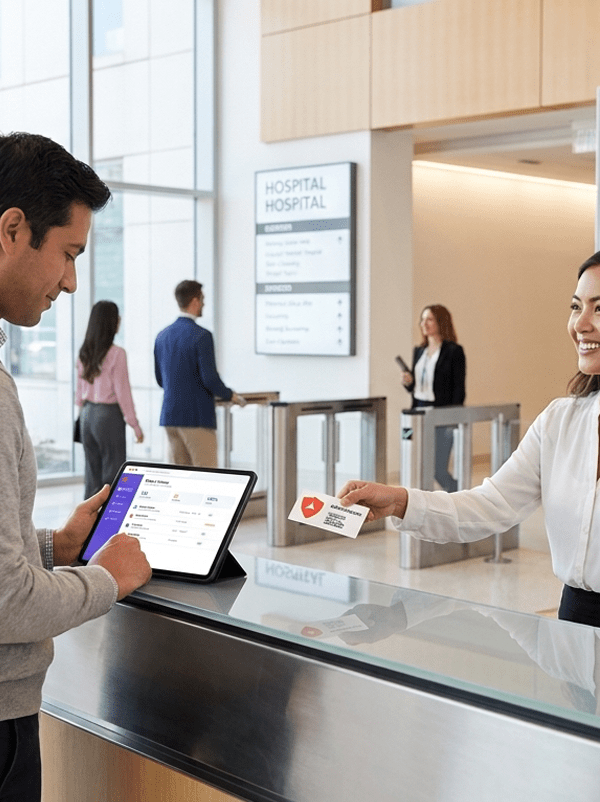
A man signs in on a tablet at a hospital reception while a receptionist hands him an access card. Two other people are in the lobby near an entrance.

Workforce access

Give the right people the right access automatically

Healthcare workforces are constantly changing. Alert Enterprise connects workforce identity with physical access so permissions change when people, roles and requirements do.

Automate onboarding

Provision appropriate access for employees, clinicians and contractors.

Keep access current

Adjust permissions as roles, departments, facilities or requirements change.

Automate offboarding

Remove access when employment or assignments end.

Simplify access reviews

Centralize certifications and eliminate manual processes.

Less manual work.
Less outdated access.
More control.

Epic + HL7

Connect Epic to the physical experience

Extend trusted healthcare identity data beyond the application

Through Epic and HL7 integration, changes in patient status can automatically inform visitor activity as patients are:

HL7 integration
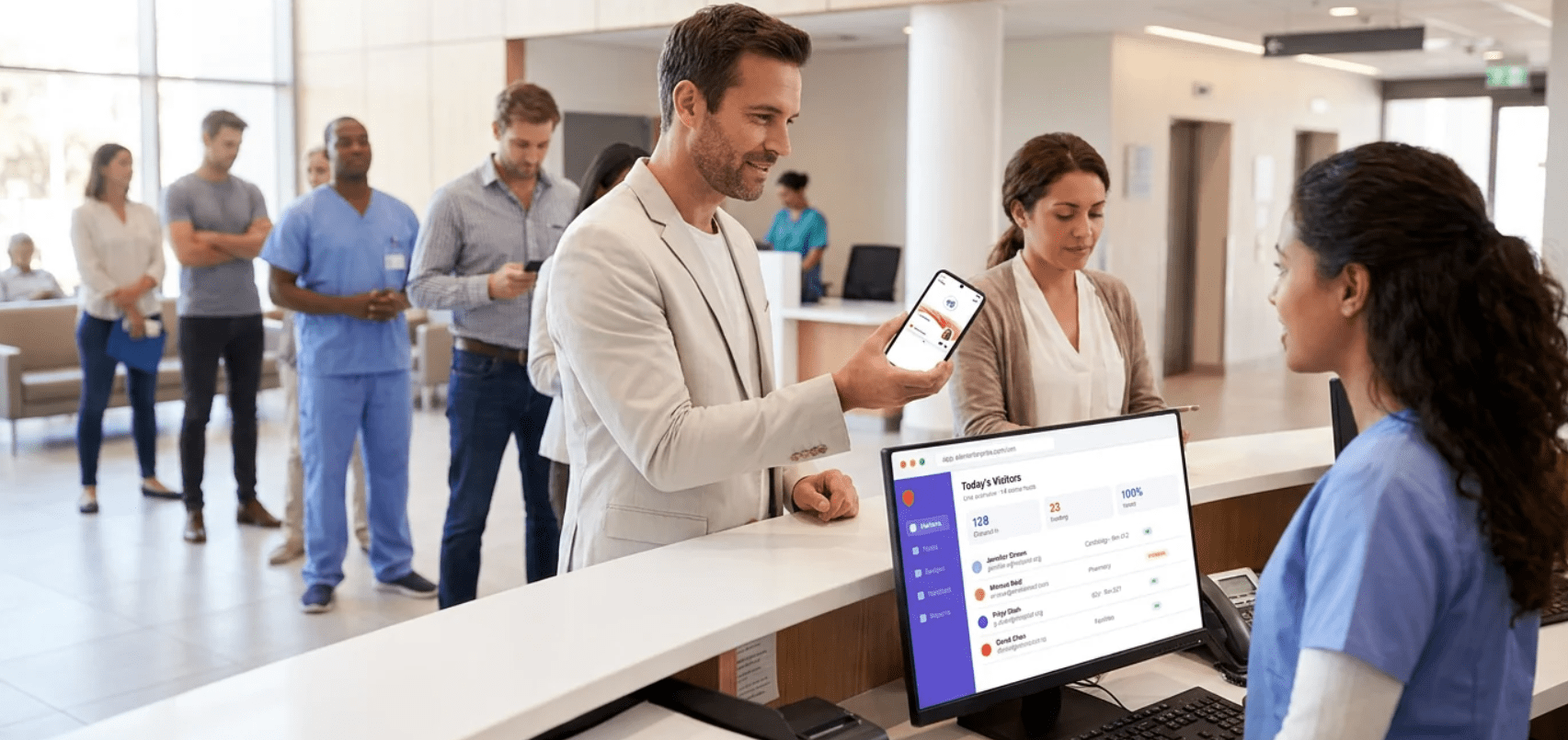
A man holds up his phone to a receptionist at a hospital check-in desk, with several people, including medical staff, waiting in line behind him.

When a patient is:

01
Admitted
02
Transferred
03
Moved
04
Discharged

The result is a more connected approach to patient, visitor and facility security.
Visitor Identity Management

Make every visit safer and simpler

Alert Enterprise Visitor Identity Management automates the visitor journey from pre-registration through departure.

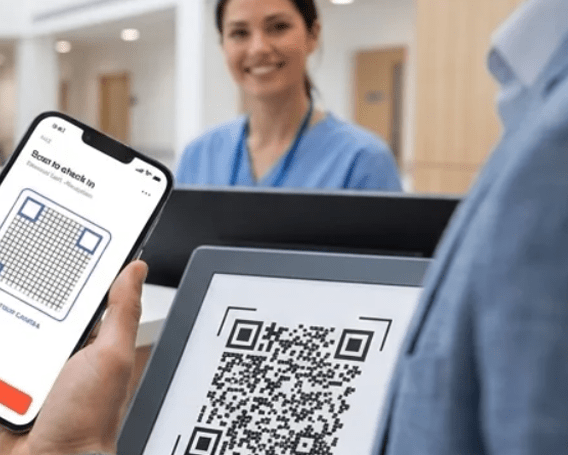
A person scans a QR code on a tablet using a phone, while a healthcare worker in scrubs smiles in the background at a reception desk.
A man checks in at a modern reception desk, receiving a visitor badge from a receptionist. Other people walk through the lobby. A digital sign welcomes visitors.
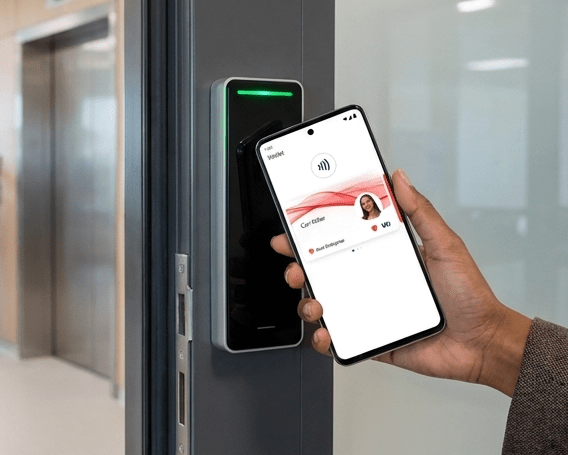
A hand holds a smartphone with a digital employee badge displayed, tapping it to an electronic access control reader near a door.
Connect visitors with patients
Associate visitor identities with the appropriate patient and visit.

Streamline check-in

Support mobile, staffed reception and self-service experiences.
Screen before access

Apply watch-list, policy and security workflows.

Control visitor access

Issue permissions based on visitor, destination and policy.
Know who’s inside
Maintain real-time visibility into active visitors.

High-risk areas

Strengthen access to high-risk areas

Govern physical access based on identity, role and policy across:

01

Patient care areas

02

Medication rooms

03

Pharmacies

04

Laboratories

05

Restricted clinical areas

06

Administrative and corporate facilities

As roles and requirements change, access changes with them.

Compliance

Simplify compliance

Maintain a governed record of access requests, approvals, provisioning, reviews and revocations.
HIPAA

Joint Commission

HITRUST

Know:

Reduce manual effort while improving audit readiness.

One platform

One platform. Every identity. Every access decision.

Connect these systems through one physical identity and access management layer:

HR

Identity

IT

Epic and EHR environments

Physical access control

Visitor management

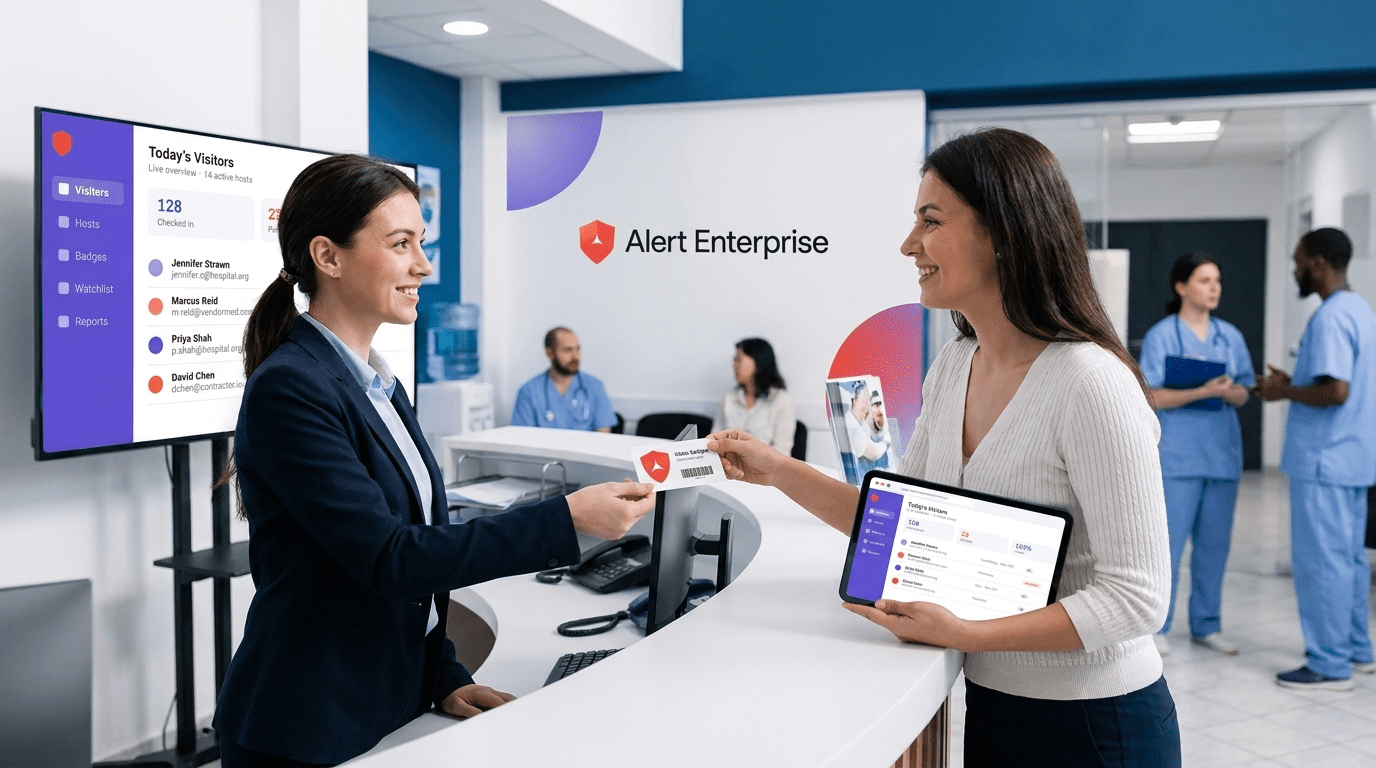
A receptionist hands a visitor badge to a woman holding a tablet at a hospital front desk, with a digital visitor log displayed on a monitor.

Automate workflows. Enforce policies. Gain visibility across your healthcare environment.

One identity.
One governed access lifecycle.
One connected healthcare security ecosystem.

Get started

Physical security that moves at the speed of healthcare

Connect identity, Epic and physical security to automate access for your workforce, patients and visitors.

en_USEnglish